

Usage Finder
Your Mac, At A Glance
A native macOS system monitor built in SwiftUI. Live CPU, memory, swap and power meters sit in your menu bar, with a clear window for the history and details. Fast, private, and light on your battery.
App Preview
Key Features
01
Live Menu Bar
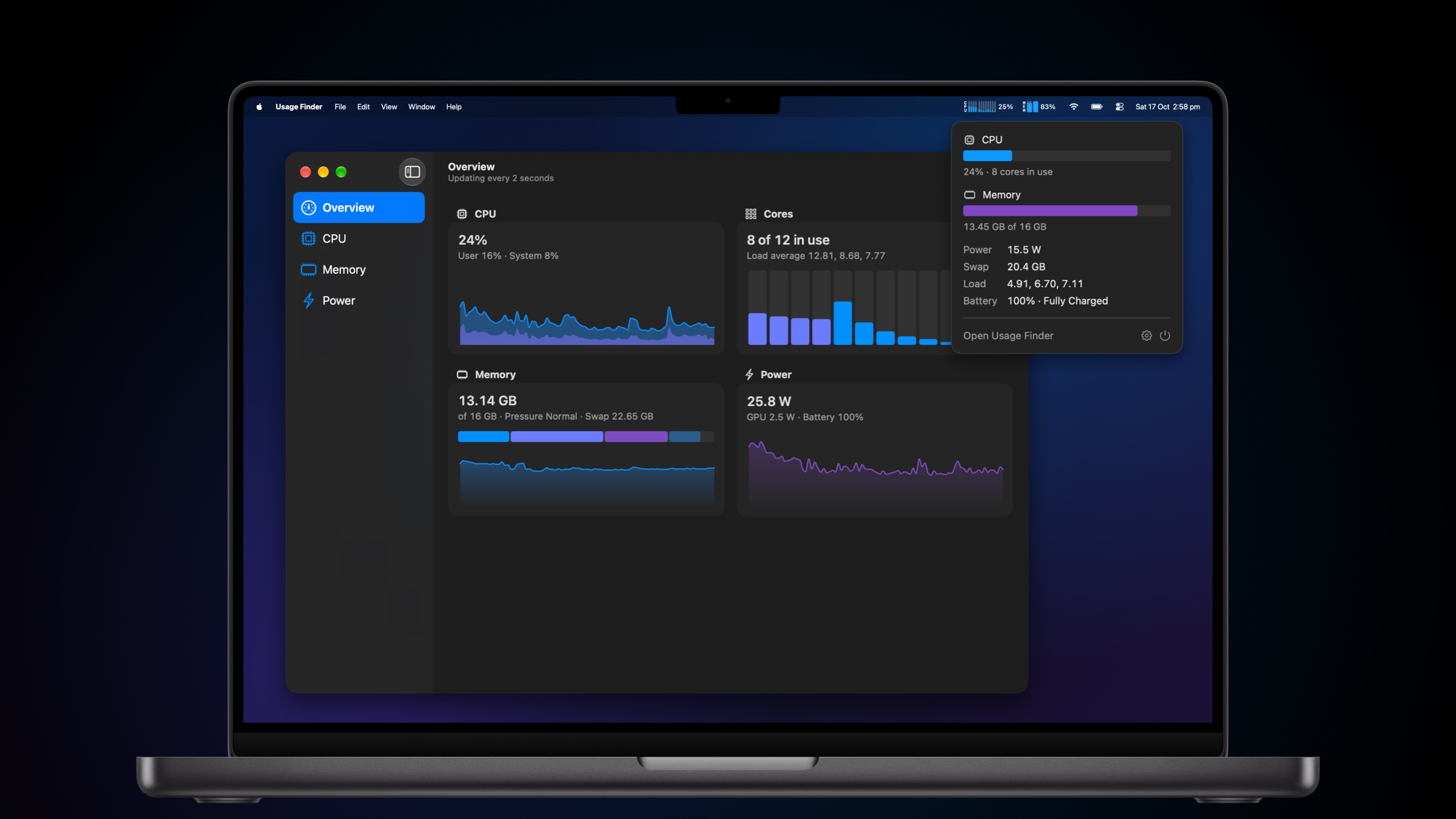
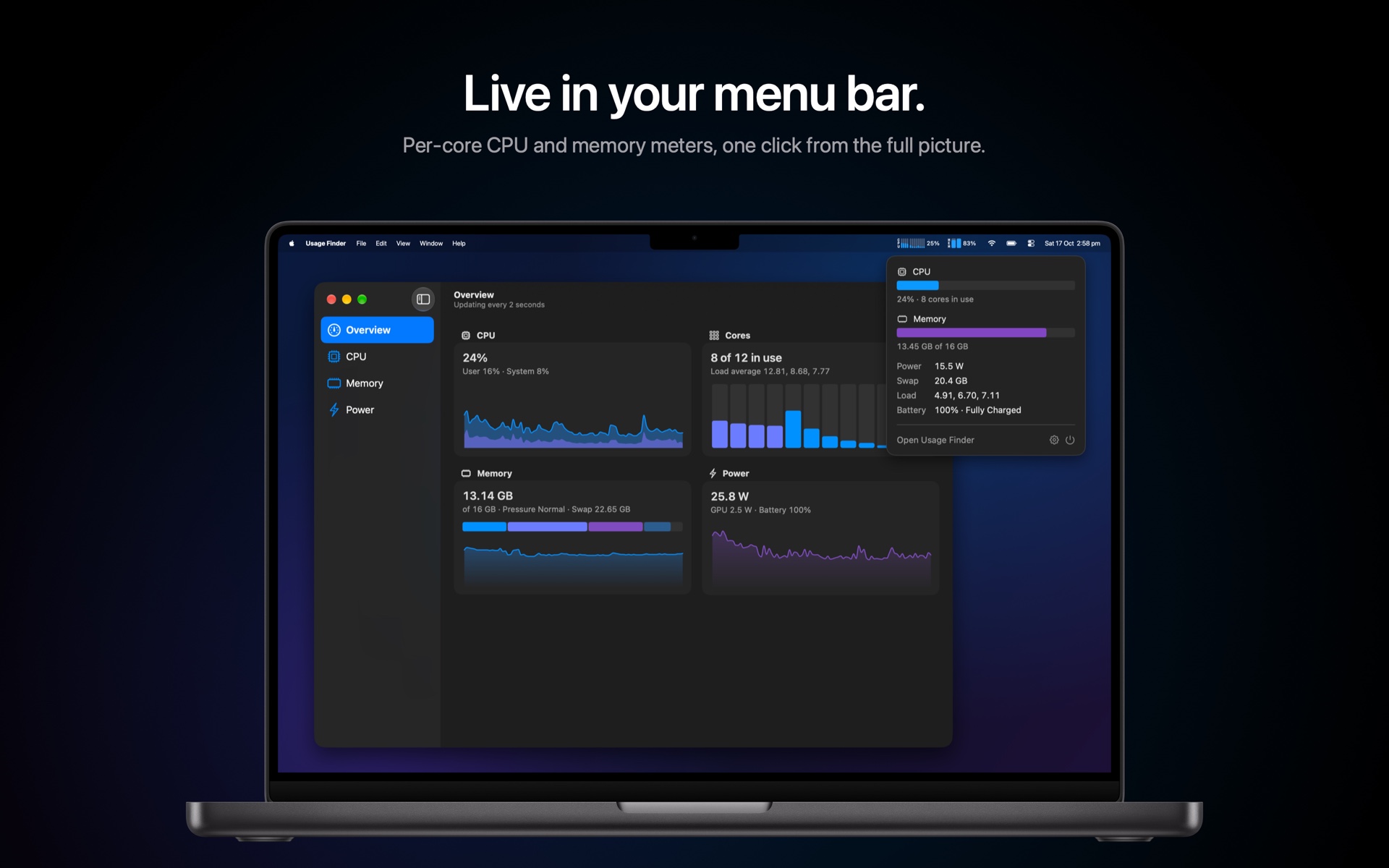
Compact meters show every CPU core and your memory and swap at a glance. Efficiency cores sit on the left, Performance cores on the right. Click them for a quick summary of power, load and battery.
01
Live Menu Bar
Compact meters show every CPU core and your memory and swap at a glance. Efficiency cores sit on the left, Performance cores on the right. Click them for a quick summary of power, load and battery.
02
Every Core
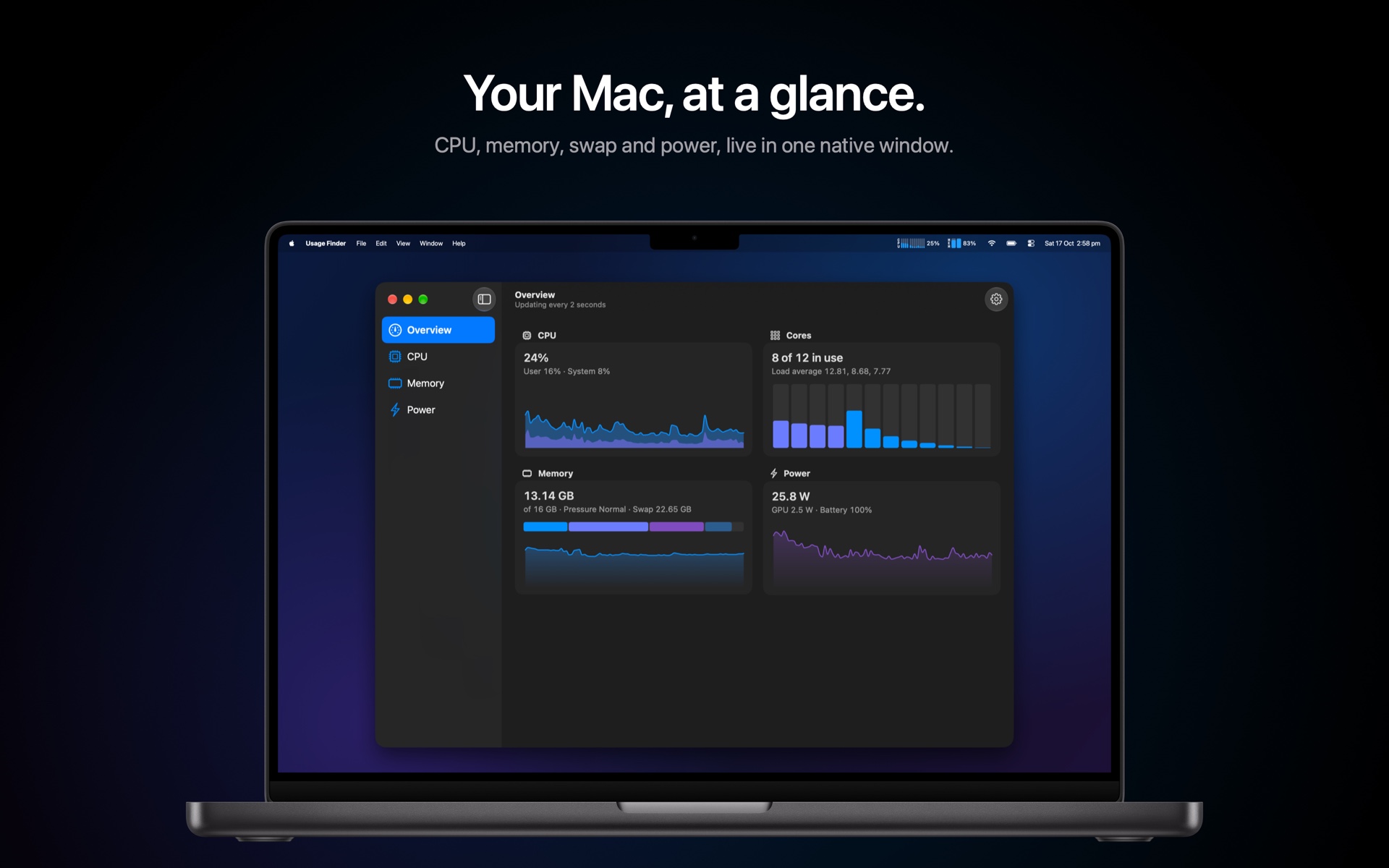
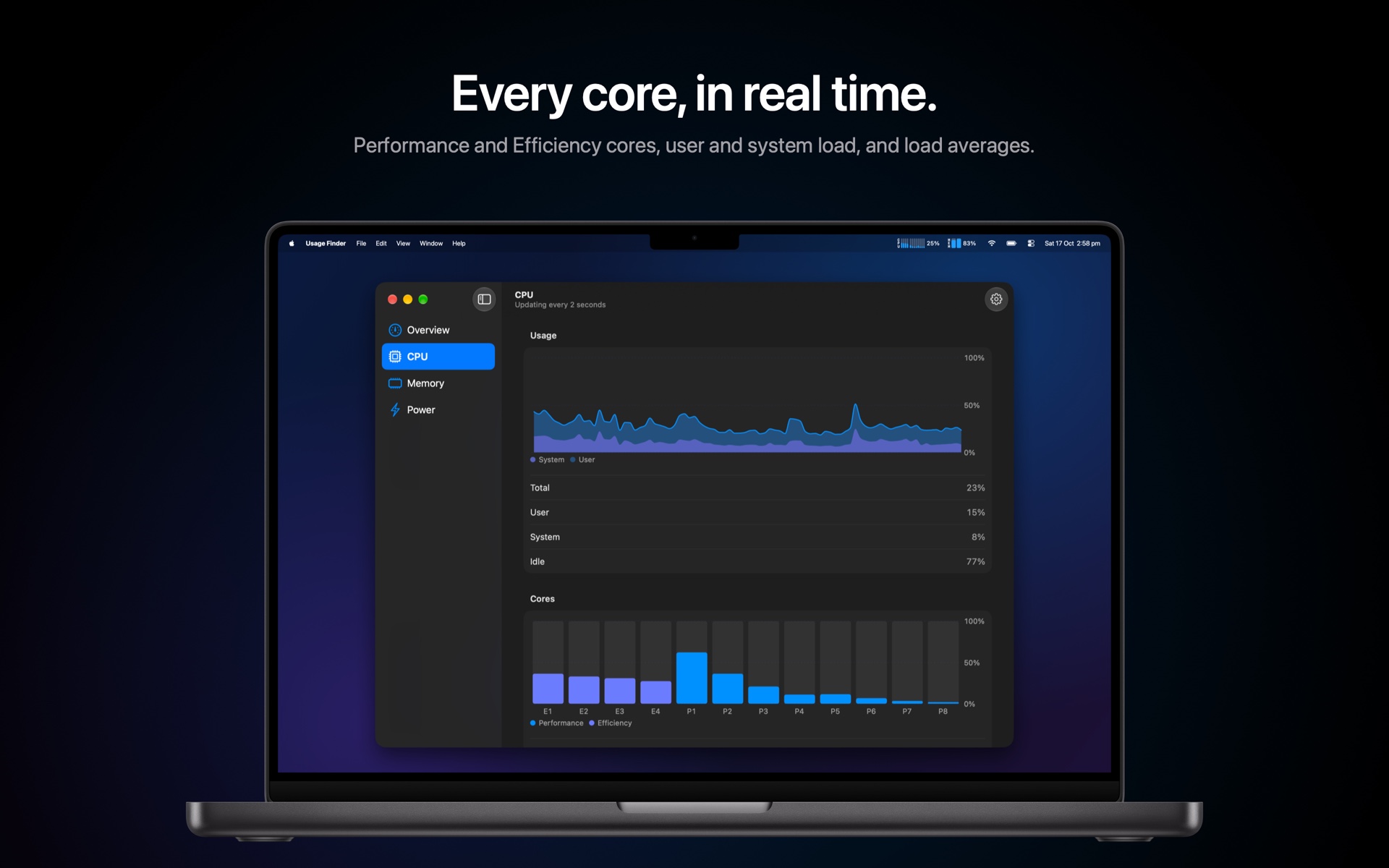
Total, user and system CPU load, a bar for every core, how many are busy, and the 1, 5 and 15 minute load averages, with a three-minute history chart.
02
Every Core
Total, user and system CPU load, a bar for every core, how many are busy, and the 1, 5 and 15 minute load averages, with a three-minute history chart.
03
Memory, Made Clear
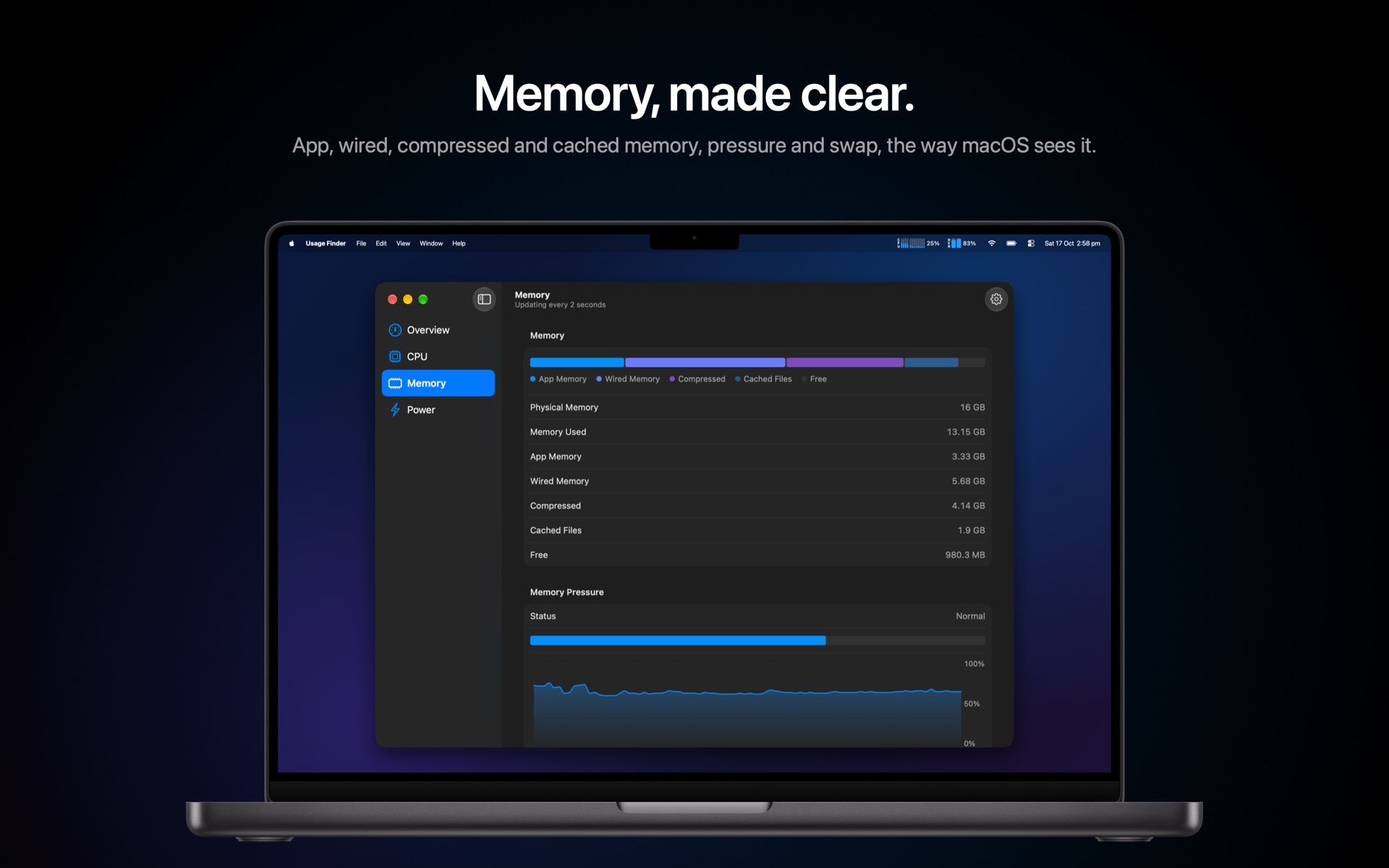
App, wired, compressed and cached memory, broken down the way Activity Monitor does, with memory pressure and swap usage over time.
03
Memory, Made Clear
App, wired, compressed and cached memory, broken down the way Activity Monitor does, with memory pressure and swap usage over time.
04
Power & Battery
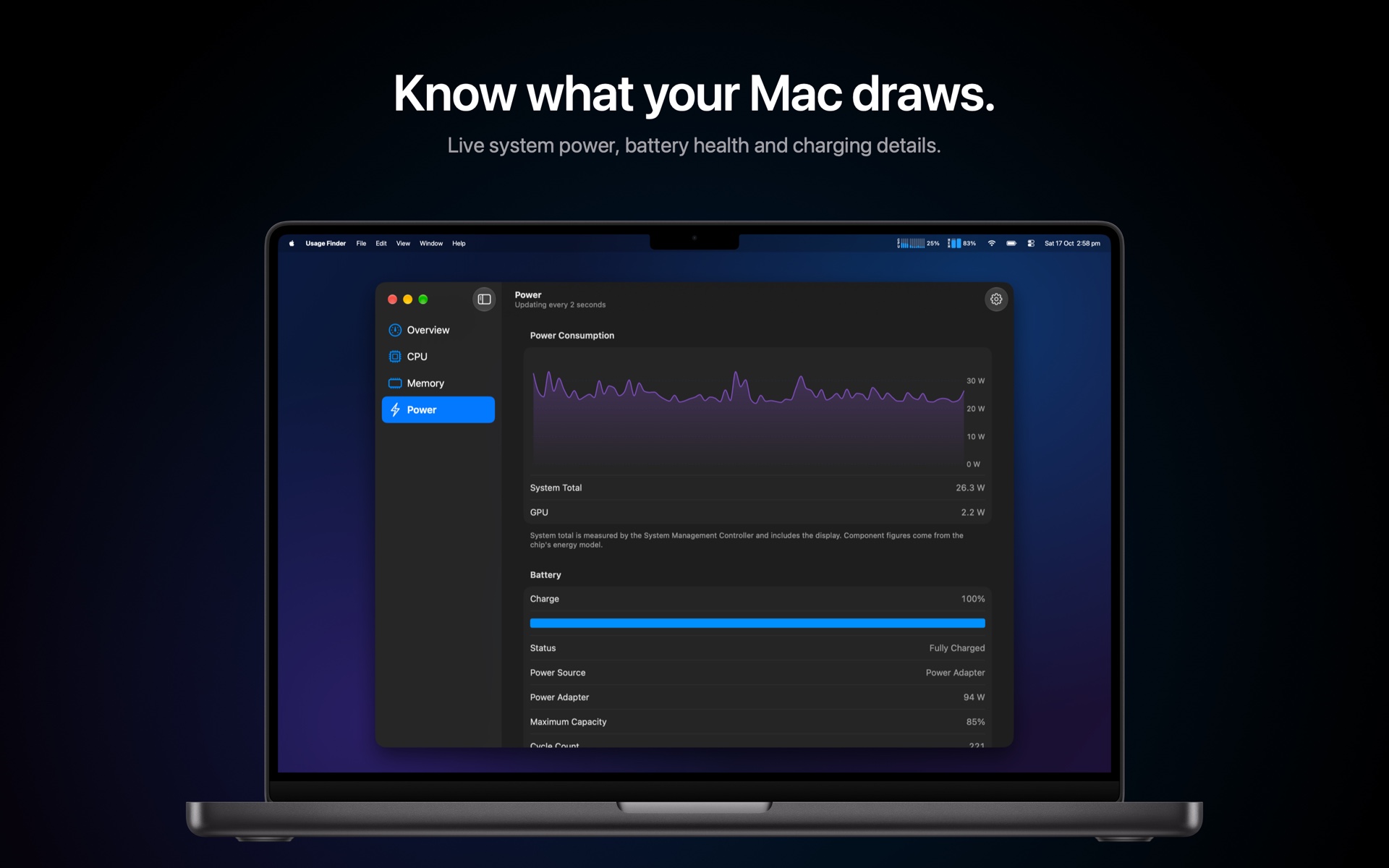
Live system power draw, battery charge, health, cycle count and charging details, so you always know what your Mac is pulling.
04
Power & Battery
Live system power draw, battery charge, health, cycle count and charging details, so you always know what your Mac is pulling.
05
Light on Battery
Usage Finder only measures while something is showing it. Switch the menu bar to its icon and all background work stops.
05
Light on Battery
Usage Finder only measures while something is showing it. Switch the menu bar to its icon and all background work stops.
06
Native by Design
Built entirely in Swift and SwiftUI for macOS 26 and later, following Apple's design guidelines. Light, Dark and System appearance, signed and notarized, and it updates itself.
06
Native by Design
Built entirely in Swift and SwiftUI for macOS 26 and later, following Apple's design guidelines. Light, Dark and System appearance, signed and notarized, and it updates itself.
Screenshots
Ready to get started?
Have questions about your next project? Want to discuss how we can help bring your ideas to life? Let's start a conversation.